


A virtual birthday celebration is a planned online event where friends and family gather through video platforms to honor someone special, share memories, and celebrate together across any distance. Done right, it feels just as warm and memorable as an in-person party. The key is treating it like a real event with structure, activities, and genuine personal touches. This guide walks you through every step to organize a virtual birthday celebration that guests will actually look forward to, from picking the right platform to sending invitations that get people excited.
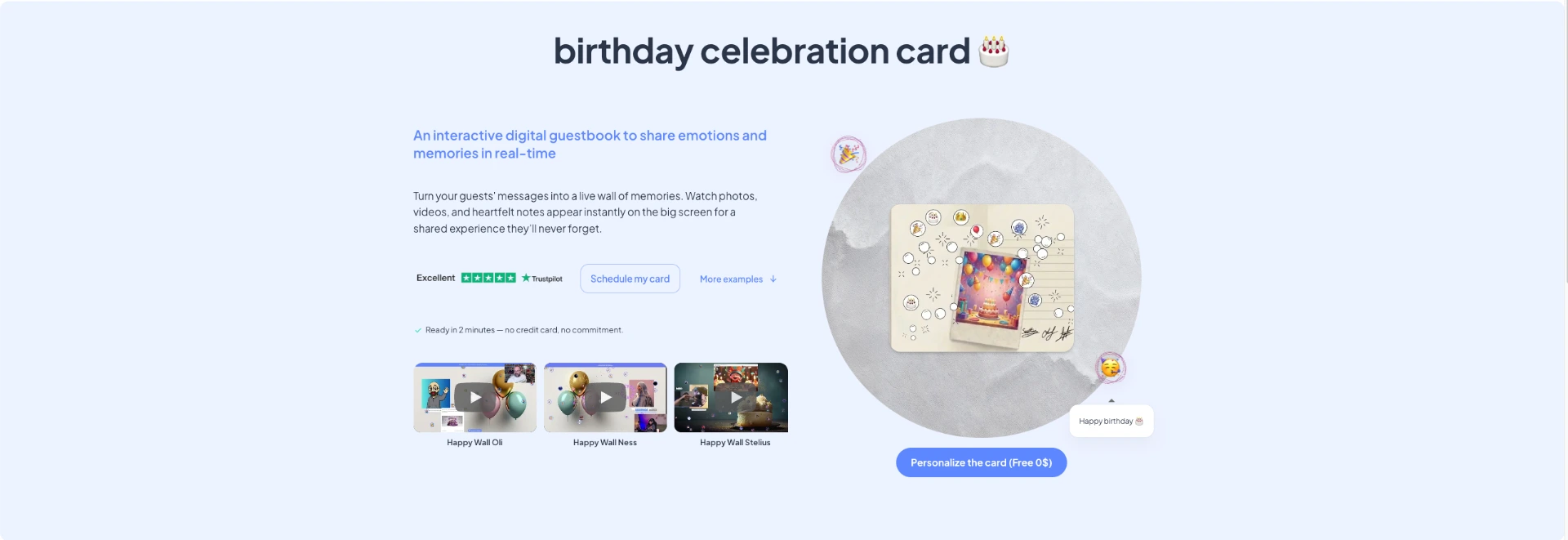
The most memorable part of any birthday is knowing people took time to say something real. Happy-milo's Happy Wall is an interactive digital message wall where friends, family, and colleagues can leave personalized messages, photos, and memories for the birthday person. Unlike a single card passed around a room, the Happy Wall collects unlimited contributions from anyone, anywhere, at any time before or during the party.
👉 Create an Online Birthday Card
You can add virtual fireworks and animations to make the wall feel festive and alive. The birthday person keeps it forever as a digital keepsake. Happy-milo also offers a shared celebration agenda so you never miss an important date again. Start your Happy Wall today and give the birthday person something they will actually remember.
What tools and platforms do you need to organize a virtual birthday celebration?
The platform you choose sets the ceiling for your entire event. Zoom, Google Meet, and Microsoft Teams are the three most widely used options for digital celebration planning. Each handles video, audio, and screen sharing well, but they differ on guest limits, time restrictions, and ease of use.

Zoom is the most popular choice for birthday parties because it supports breakout rooms, virtual backgrounds, and reactions. The free plan has a 40-minute timeout on group calls. That limit will cut your party short mid-toast if you don't plan around it. Upgrade to a paid plan or have a backup meeting ID ready before the event starts.
Google Meet is free for up to 100 participants with no time limit for personal accounts. Microsoft Teams works well if your guests are already in a corporate environment and comfortable with the interface. For more creative remote birthday festivities, platforms like Tribute let you collect and compile video messages from guests into a single montage, which makes a powerful gift.
| Platform | Max guests (free) | Time limit (free) | Best for |
|---|---|---|---|
| Zoom | 100 | 40 minutes | Interactive parties with games |
| Google Meet | 100 | No limit | Simple, accessible gatherings |
| Microsoft Teams | 100 | 60 minutes | Work-connected groups |
| Tribute | Unlimited contributors | No live call | Video montage gifts |
Pro Tip: Test your platform with two or three guests 24 hours before the party. Catching audio or camera issues early saves you from scrambling on the day.
How to create and send invitations that maximize attendance
The invitation is the first impression your party makes. Video invitations increase RSVP rates by 4.2 times compared to static images. That number is significant. A short 30-second video from the birthday person or host creates emotional anticipation that a text-based invite simply cannot match.
Every invitation for virtual guest invitations should include these details:
- Platform and join link: Paste the direct meeting URL, not just the meeting ID.
- Date and time with time zone: Write it as "Saturday, june 14 at 7:00 PM EST." Including explicit time zones prevents confusion for guests in different regions.
- Agenda highlights: Mention the toast, a game, or a surprise to build excitement.
- Dress code or theme: Even a casual "wear something festive" sets the mood.
- RSVP link or form: Use Google Forms or a simple reply-by-email request to track who is coming.
Send the first invitation two weeks out. Follow up one week before with a reminder. Send a final reminder 8 hours before the event starts. That 8-hour window is the sweet spot for reducing no-shows without feeling like you are nagging guests.
Pro Tip: Add a link to a time zone converter like timeanddate.com directly in the invitation. Guests in different cities will thank you, and you will get fewer "wait, what time is it for me?" messages.
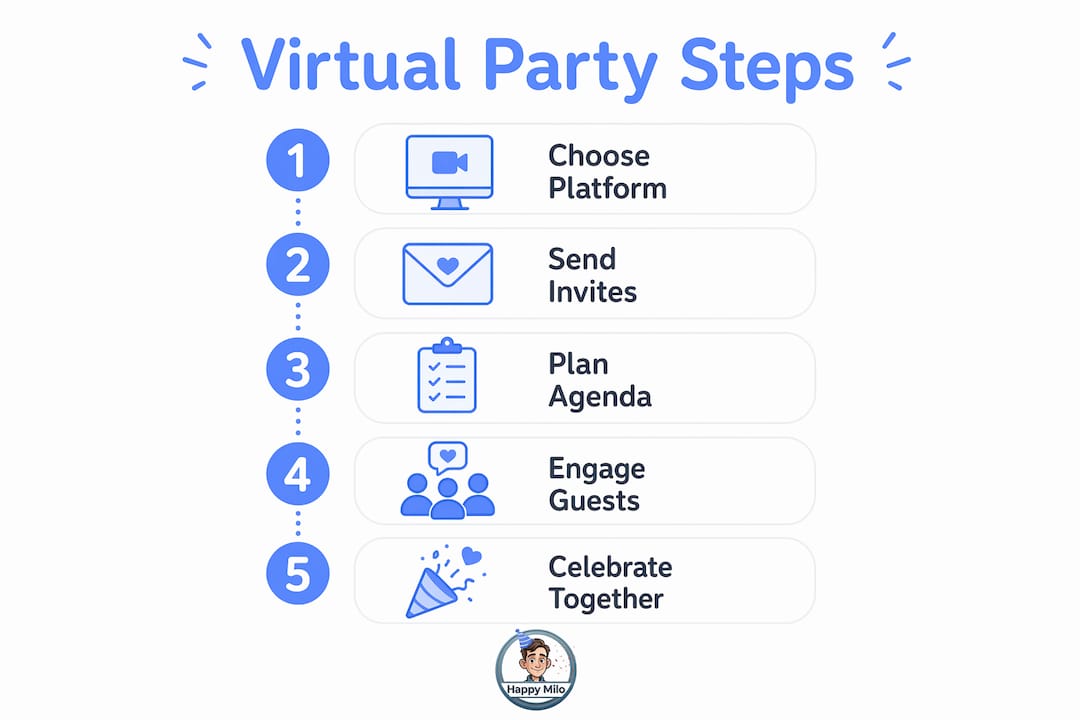
What steps should you follow to plan the event agenda and activities?
A structured agenda is what separates a memorable party from an awkward video call. Adult virtual birthday parties run best at 90–120 minutes. Children's parties for kids under 10 should stay within 45–60 minutes. Attention spans are real, and respecting them keeps energy high from start to finish.
Build your agenda around four core moments:
- Warm-up (10–15 minutes): Welcome guests as they arrive. Play background music. Use an icebreaker question like "What is your favorite memory with the birthday person?"
- Peak moment (15–20 minutes): This is the toast, the cake cutting, or the big surprise reveal. Every guest should know this moment is coming.
- Interactive activities (40–60 minutes): Fill this block with games and group experiences. See the list below for ideas.
- Closing (10–15 minutes): Share a group photo screenshot, deliver final wishes, and let the birthday person speak.
Sharing the agenda with guests beforehand keeps everyone aligned and prevents late arrivals from missing the cake moment. Send it in your final reminder.
For the activities block, these online party activities work well for most age groups:
- Trivia quiz: Build a 15-question quiz about the birthday person using Kahoot or Mentimeter.
- Virtual escape room: Sites like Enchambered offer online escape experiences for groups.
- Collaborative playlist: Ask guests to add one song each to a shared Spotify playlist before the party.
- Group video tribute: Collect short video clips from guests using Tribute and play the compiled montage during the party.
- Bingo: Create a custom bingo card with inside jokes or memories related to the birthday person.
Assigning a dedicated host and a separate tech moderator is the single most effective structural decision you can make. The host focuses on energy and flow. The tech lead handles muting, chat, and troubleshooting. Splitting those roles keeps the party running smoothly even when something goes wrong.
Pro Tip: Mail party boxes to guests before the event. Include a cupcake, a party hat, and a small favor. Synchronized party items create a shared physical experience that makes the virtual party feel real. Coordinate delivery so boxes arrive two days before the event.
How to manage technical logistics and guest engagement during the party
Technical problems are the number one reason virtual parties lose momentum. Prepare for them before they happen. The best defense is a simple one-page tech guide sent to guests three days before the party. Include instructions for joining the platform, testing audio, and enabling their camera.
Assign your tech moderator these specific responsibilities:
- Monitor the chat for questions and technical complaints.
- Mute guests with background noise without interrupting the flow.
- Admit guests from the waiting room so the host stays focused.
- Keep a backup meeting link ready in case the main call drops.
- Watch the clock and signal the host when it is time to move to the next agenda item.
Keeping the run-of-show visible to both the host and tech lead prevents the event from drifting. Print it out or keep it open in a second browser tab. Guests do not need to see every detail, but they should know the peak moment is coming so they stay engaged.
Encourage participation throughout the call. Ask guests to use emoji reactions, type birthday messages in the chat, and turn their cameras on during key moments. Late arrivals are inevitable. Have your tech lead admit them quietly and send a private chat message with the current agenda item so they can catch up without disrupting the group.
Pro Tip: Share the exact time of the toast or cake moment in your final reminder. Write it as "Cake cutting at 7:45 PM EST." Guests who arrive a few minutes late will rush to be there for the highlight.
What creative ideas can make your virtual birthday celebration memorable?
The best virtual birthday party ideas go beyond the standard video call format. Creativity is what guests remember long after the event ends. The goal is to give people something to talk about, not just something to watch.
A group video montage using Tribute is one of the most emotionally powerful gifts you can create. Ask 10 to 20 guests to record a 15-second clip sharing a memory or birthday wish. Compile them into a single video and play it during the party. The birthday person will watch it again and again.
Here are more ideas to make your celebrating birthdays online truly special:
- Theme-based backgrounds: Ask all guests to set a matching virtual background. Choose a beach, a favorite movie scene, or a decade theme.
- Costume contest: Award a prize for the most creative outfit related to the birthday person's interests.
- Live performance: Hire a musician through platforms like GigSalad to perform a 15-minute set during the party.
- Digital memory wall: Use a digital birthday memory board to collect photos and messages from guests before and during the event.
- Mini-present reveals: Ask guests to hold up a small wrapped gift on camera and open it together at a set time.
- Personalized trivia: Build questions around the birthday person's life, career, and funny moments.
- Synchronized cupcake decorating: Mail a decorating kit to each guest and decorate together on camera.
- Surprise guest: Coordinate a special appearance from someone the birthday person hasn't seen in years.
- Group card wall: Collect written messages, photos, and drawings from all guests on a shared digital card they can keep forever.
- Watch party: Use Netflix Party or Teleparty to watch the birthday person's favorite film together after the main celebration.
The group birthday tribute format works especially well when guests are spread across multiple time zones and cannot all attend live. Pre-recorded contributions mean no one is left out.
Key takeaways
A successful virtual birthday celebration requires a reliable platform, structured agenda, engaging invitations, and a dedicated tech moderator to keep everything on track.
| Point | Details |
|---|---|
| Choose the right platform | Zoom, Google Meet, and Tribute each serve different needs. Match the platform to your guest count and event style. |
| Send video invitations | Video invitations generate 4.2x more RSVPs than static images. Include time zones and a direct join link. |
| Structure your agenda | Keep adult parties to 90–120 minutes and kids' parties to 45–60 minutes with a clear peak moment. |
| Assign two roles | Split the host and tech moderator roles so the party runs smoothly even when technical issues arise. |
| Add physical elements | Mailing party boxes or cupcake kits to guests creates a shared experience that lifts the entire event. |
FAQ
How long should a virtual birthday party last?
Adult virtual birthday parties run best at 90–120 minutes. For children under 10, keep it to 45–60 minutes to hold attention.
What is the best platform for a virtual birthday party?
Zoom is the most popular choice for interactive parties because it supports breakout rooms and reactions. Google Meet is the best free option with no time limit for personal accounts.
How do I keep guests engaged during an online birthday party?
Assign a tech moderator to manage the chat and mute controls, share the agenda in advance, and include at least two interactive activities like trivia or a group video tribute.
How do I send invitations for a virtual birthday party?
Send video invitations with the platform link, date, time with time zone, and agenda highlights. Send a reminder 8 hours before the event to reduce no-shows.
What is a digital message wall for birthdays?
A digital message wall is an online space where guests leave written messages, photos, and memories for the birthday person. Happy-milo's Happy Wall lets unlimited contributors add wishes that the birthday person keeps as a lasting keepsake.